
UniFi Flex Camera Brackets
Clean installs for the UniFi Flex camera line.
Three bracket sizes for the UniFi Flex G3 and G5, so you can mount the camera on the electrical box you already have, with no exposed wires.
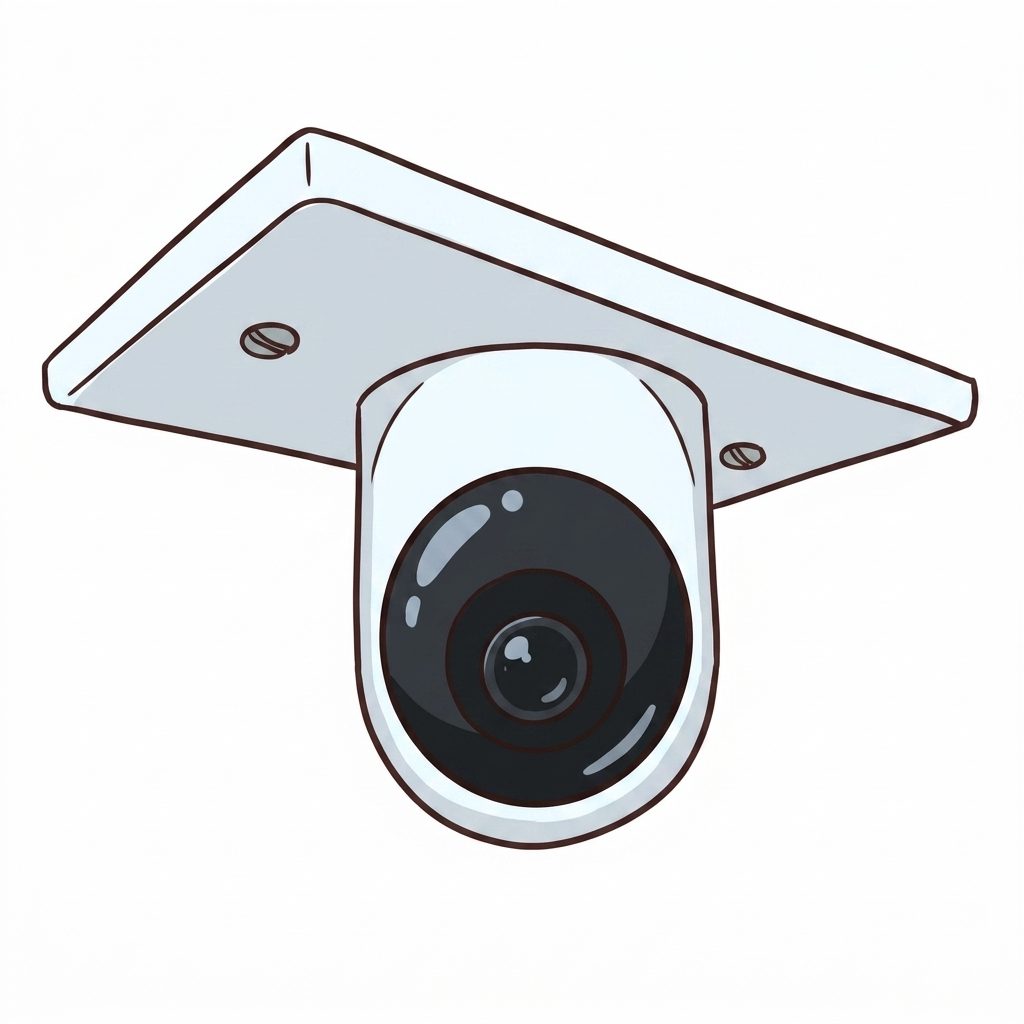
Three sizes
Pick the bracket for your box.
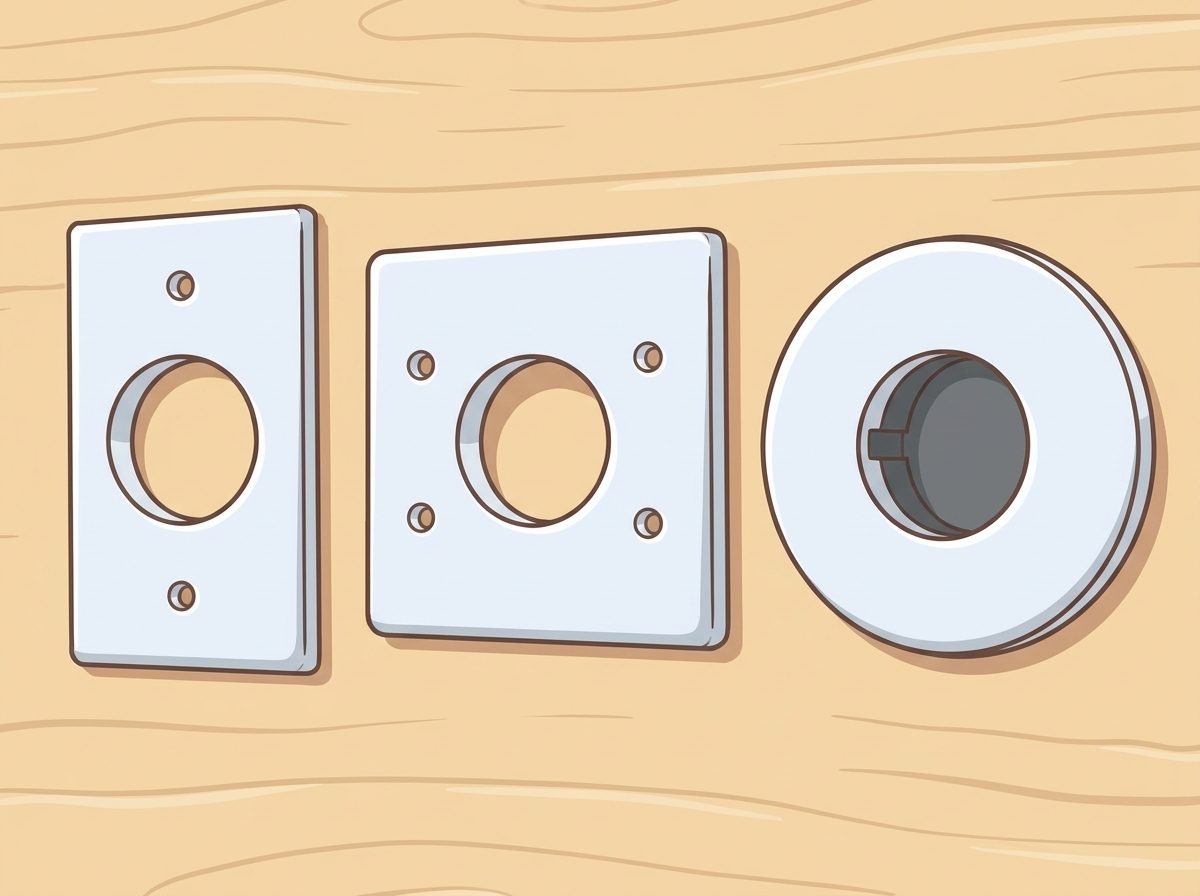
Same camera, three install options. Choose the size that matches the electrical box already in the wall.
1-gang. Fits standard 1-gang remodel boxes and 1-gang low-voltage brackets. The most common install. Slim profile keeps the camera flush to the surface.
2-gang. For installs where a 2-gang box is already in place, or when you want extra cable space inside the bracket.
Round. Drops onto standard 4-inch round ceiling boxes for clean installs free of any exposed screws.
Note: not compatible with metal mud rings.
Two install modes
Low-voltage plate, or fully enclosed box.
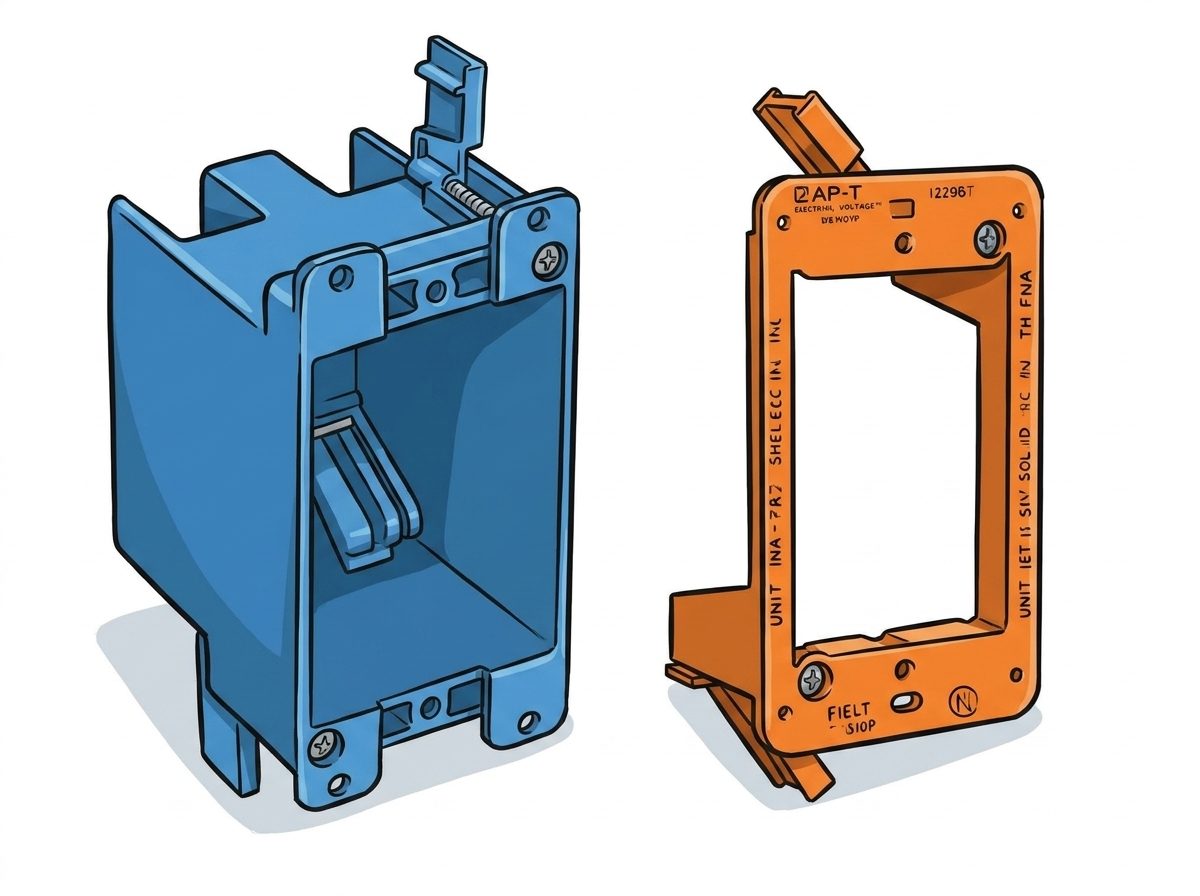
The default install uses a low-voltage mounting plate. It's the simplest install and has the lowest profile. Cable runs through the plate, behind the camera, out of sight.
If you're mounting somewhere the ceiling has insulation (or anywhere else you'd rather keep the wiring fully enclosed), use a remodel box instead. The bracket fits flush against the box face, with the cable, terminations, and any extra service loop tucked safely inside.
DIY-friendly
Human tested. Llama approved.
Three steps: run the cable to the box, install the camera in the bracket, then screw the bracket into the electrical box. It's quick to assemble, and the finished install looks clean.
Digital assembly instructions are available online. And honestly, if a llama can figure it out, so can you.
Ready to mount?
Head over to our shop and get yours today.